How to disable arming via software?
Serial NO.: S00301026-EN
Date of Editing: 2012-10-01
Answer:
• Problem Solving:
1. Login 701Client →Tools

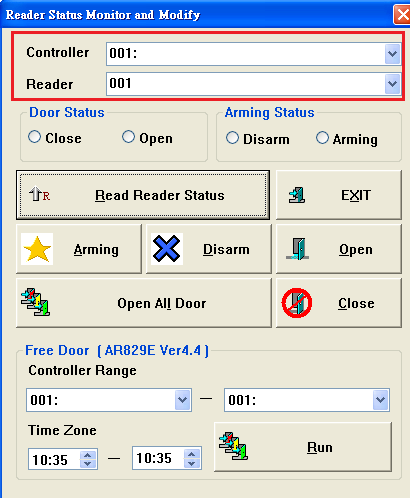
2. Select “Controller/Reader” online you will set
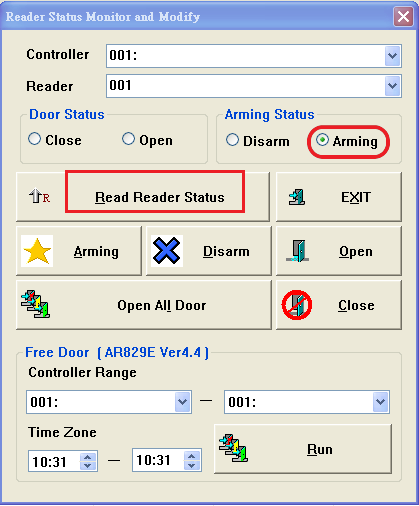
3 Click“Read Reader Status”, if reader is on arming status, the status “Arming” will be shown automatically
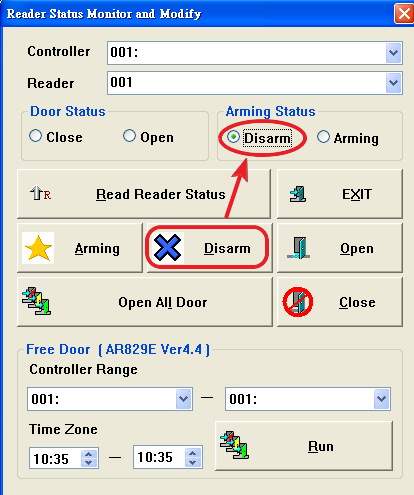
4. Click “X Disarm” icon, the status will change to status “Disarm” automatically
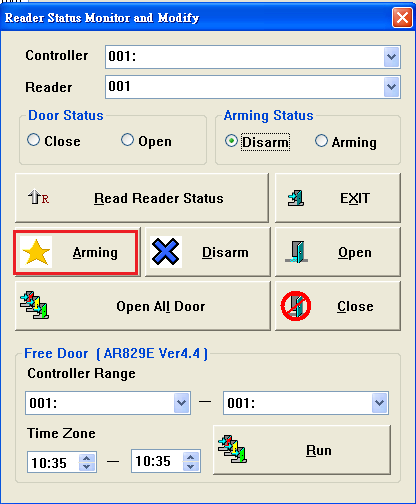
Otherwise, if you will enable “Arming” status, you can click “Arming” icon
otherwise