

















701ServerSQL
10V5
2024-03-19
2024-03-19
2024-03-19

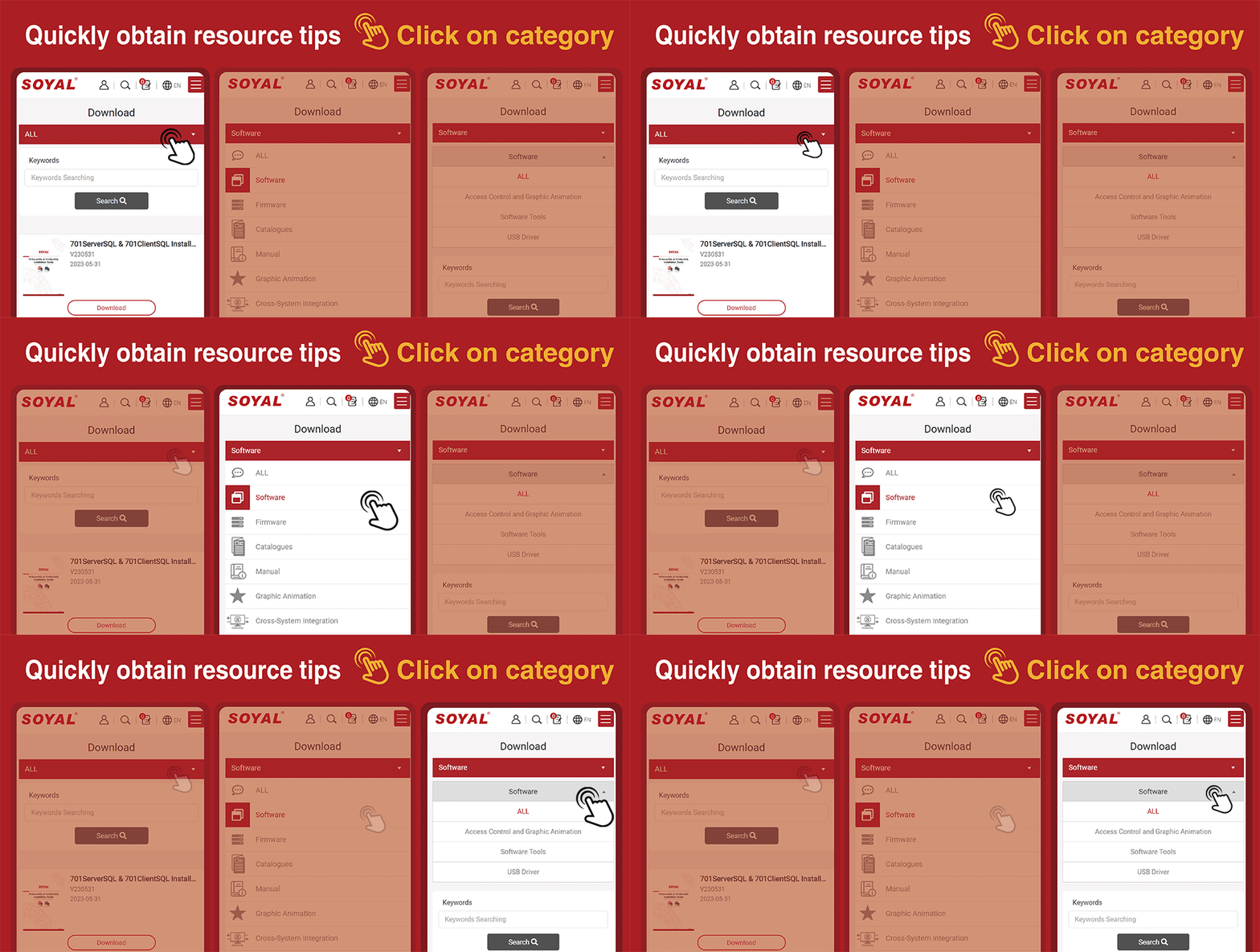
| Thumbnail | Name | New features | Version | Updated Date | Download Link |
 | 701ServerSQL | 【Latest Version】10V5 ◎Support MaridDB, MySQL (Version 8.0.28) ◎Support Unicode, at the same time support file system and database system mode ◎Recommended operating system Win 10 and after ◎Windows Server recommended for Win2019 and above systems ◎Quick guide can be found on Local Disk C of 701Server C:\Program Files (x86)\701Server (Please obtain software password from installer) | 10V5 2024-03-19 | 2024-03-19 | Download |
| 701ServerSQL | V902 ◎Support operating system Win 7~10 and after ◎Windows Server recommended for Win2012~2019 and above systems (Please obtain software password from installer) | V902 2019-12-16 | 2018-10-31 | Download |
| 701ServerSQL | V806 ◎Supports Windows XP and Win 7~10 and above systems. ◎Windows Server recommended for Win2003~2019 and above systems (Please obtain software password from installer) | V806 2018-10-31 | 2018-10-31 | Download |
 | 701ServerSQL & 701ClientSQL Installation Guide | V240318 | 2024-03-18 | Download | |
 | 701ServerSQL Patch Program | Software Language Switching Configuration File Includes Chinese, English, and Spanish Language Switching File | 2023-12-01 | Download | |
| 701ServerSQL Patch Program | Default floor plan for 701Server 70ServerSQL or 701ClientSQL displays the following message. Please follow the steps in the FAQ provided in the link to restore. ◎Failed to create empty document ◎Can not open ”C:\Program Files(x86)\701Server\Server.bmp” ◎”Can not open bitmap file: ! | 701Server.bmp | 2023-11-28 | Download |
 | 701ClientSQL Patch Program | 【Fix Blank Header Columns Configuration File】 If 701Client column headers appear blank, you can restore the settings by downloading this configuration file. | Fix Blank Header Columns Configuration File | 2023-12-01 | Download |
| 701ClientSQL Patch Program | 【Software Language Switching Configuration File 】 Includes Chinese, English, and Spanish Language Switching File | Software Language Switching Configuration File | 2023-11-28 | Download |
| 701ClientSQL Patch Program | Default floor plan for 701Client 70ServerSQL or 701ClientSQL displays the following message. Please follow the steps in the FAQ provided in the link to restore. ◎Failed to create empty document ◎Can not open ”C:\Program Files(x86)\701Server\Server.bmp” ◎”Can not open bitmap file: ! | 701Client.bmp | 2023-11-28 | Download |
 | 701ClientSQL | 【Latest Version】10V5 ◎Recommended operating system Win 10 and after ◎Supports memory of adjustable column widths for viewing fields, eliminating the need to readjust them each time. ◎Added charging pile recharge and deduction record. (Please obtain software password from installer) | 10V5 2024-04-26 | 2024-04-26 | Download |
| 701ClientSQL | 【V902】 Support operating system Win 7~10 and after (Please obtain software password from installer) | V902 2019-12-13 | 2019-12-13 | Download |
| 701ClientSQL | 【V806】 Supports Windows XP and Win 7~10 and above systems. (Please obtain software password from installer) | V806 2018-10-31 | 2018-10-31 | Download |
.png) | 701ClientSQL(Portable WG64_HEX) | 701 ClinetSQL Standard version & Portable version differences | 2022-03-02 | Download | |
| 701ClientSQL(Portable WG64_HEX) | 【10V5 Portable WG64_HEX】 【Portable WG64_HEX】 Suitable for card encoding using Hexadecimal (output 64bits) Required to install standard version of 701ServerSQL & 701ClientSQL, then drag the portable version to path file \Program Files(x86)\701Client\. Execute the program by creating a shortcut. (Please obtain software password from installer) | 10V5(Portable WG64_HEX) 2024-01-10 | 2024-01-10 | Download |
| 701ClientSQL(Portable WG64_HEX) | 【10V4 Portable WG64_HEX】 【Portable WG64_HEX】Suitable for card encoding using Hexadecimal (output 64bits) Required to install standard version of 701ServerSQL & 701ClientSQL, then drag the portable version to path file \Program Files(x86)\701Client\. Execute the program by creating a shortcut. (Please obtain software password from installer) | 10V4(Portable WG64_HEX) 2022-09-19 | 2022-09-19 | Download |
.png) | 701ClientSQL(Portable ABA64) | 701 ClinetSQL Standard version & Portable version differences | 2022-03-02 | Download | |
| 701ClientSQL(Portable ABA64) | 【10V5 Portable ABA64】 【Portable ABA64】 Required to install standard version of 701ServerSQL & 701ClientSQL, then drag the portable version to path file \Program Files(x86)\701Client\. Execute the program by creating a shortcut. (Please obtain software password from installer) | 10V5(Portable ABA64) 2023-05-12 | 2023-05-12 | Download |
| 701ClientSQL(Portable ABA64) | 【10V3 Portable ABA64】 【Portable ABA64】 Required to install standard version of 701ServerSQL & 701ClientSQL, then drag the portable version to path file \Program Files(x86)\701Client\. Execute the program by creating a shortcut. (Please obtain software password from installer) | 10V3(Portable ABA64) 2022-03-01 | 2022-03-01 | Download |
.png) | 701ClientSQL(Portable WG32_HEX) | 701 ClinetSQL Standard version & Portable version differences | 2022-03-02 | Download | |
| 701ClientSQL(Portable WG32_HEX) | 【10V4 Portable WG32_HEX】 【Portable WG32_HEX】 Suitable for card encoding using Hexadecimal (output 32bits) Required to install standard version of 701ServerSQL & 701ClientSQL, then drag the portable version to path file \Program Files(x86)\701Client\. Execute the program by creating a shortcut. (Please obtain software password from installer) | 10V4(Portable WG32_HEX) 2022-09-19 | 2022-04-26 | Download |
 | SOYAL Device Tools | *2023-08-14 : Support for Programmable Logic Programming and Scheduled Scheduling Function *2019-07-02: CommView support TCP *2019-06-15: 323D Master support Server Rack Version 101HD *2018-09-10: Add the feature of Enrolltool to support TCP/IP communcation for Red Fingerprint Sensor 9000DO *2018-08-22: 1.Add CommView to support Modbus command | 2024-03-21 | 2024-03-21 | Download |
 | AR-321CM / 725P : USB Driver | Operation System: Win7/Win10/ Win11 Chip Version: PL2303-GC (Manufacturing Date: After 2021/03 ) / PL2303-HXD (Manufacturing Date: 2013/01 ~ 2021/03 ) Driver Version: PL23XX_Prolific_DriverInstaller_V408 | 2022-07-25 | Download | |
| AR-321CM / 725P : USB Driver | Operation System: Win7/Win10/ Win11 Chip Version: PL2303-GC (Manufacturing Date: After 2021/03 ) / PL2303-HXD (Manufacturing Date: 2013/01 ~ 2021/03 ) Driver Version: PL23XX_Prolific_DriverInstaller_V400 | 2022-01-05 | Download | |
| AR-321CM / 725P : USB Driver | Attention: Please read the important notice before installing | 2022-01-05 | Download | |
 | (Old version)AR-321CM / 725P :USB Driver | Applicable for products before 2013 AR-321CM (Win8 supported after and included A1301xxxxx) AR-725P (Seria No. after and included A1308xxxxx) AR-737P (Phased Out and replaced by 725P) (Please obtain software password from installer) | 2021-03-24 | Download | |
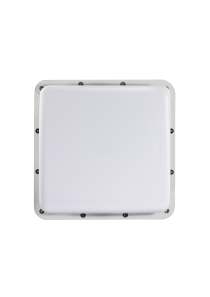 | AR-661UG | Applicable product serial number: After IDD1901-2309-XXXX(Backward compatible) | Ver 1.0.1.4 | 2024-01-30 | Download |
| AR-661UG | Applicable product serial number: After IDD1901-2209-XXXX | Ver 1.0.1.0 | 2022-09-22 | Download |
| AR-661UG | Applicable product serial number: Before IDD1901-2209-XXXX | Ver 1.0.0.4 | 2022-04-06 | Download |
 | 727APP | Remotely control your room light, air conditioner, and grant an access via mobile app. | APK | 2022-06-07 | Download |
| 727APP | Remotely control your room light, air conditioner, and grant an access via mobile app. | Google Play | 2022-06-07 | Download |
 | 721APP | Remotely control your door access via mobile app. | APK | 2022-06-07 | Download |
| 721APP | Remotely control your door access via mobile app. | Google Play | 2022-06-07 | Download |