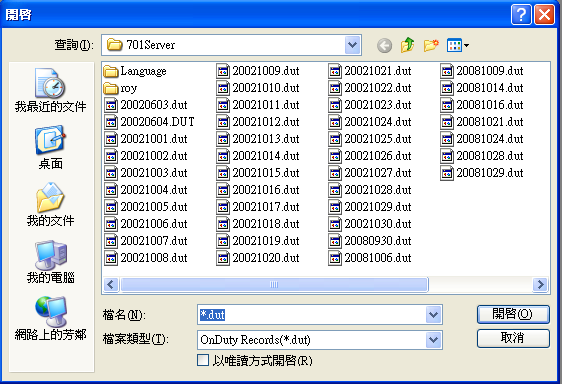
How to regenerate the Soyal time and attendance .dut file?
Serial NO.: S00201007-EN
Date of Editing: 2008-10-29
Answer:
1. Cut .msg file from path:C: PROGRAM FILE\701 SERVER\ .msg and paste it to desktop.
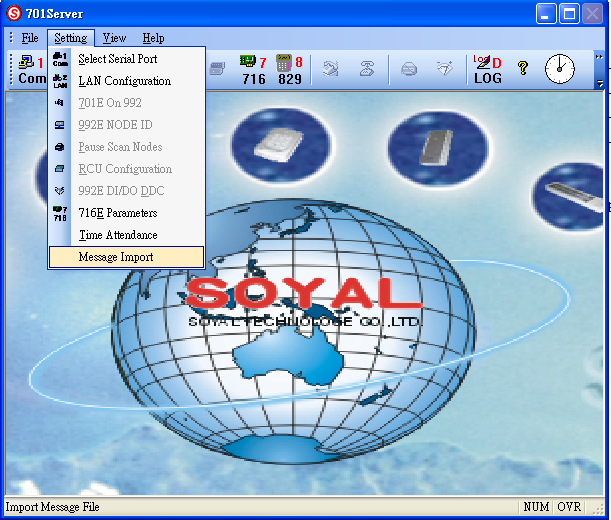
2. Run 701Server and choice Setting/ Message Import through path we just paste on desktop.
3. Run 701Client and click duty icon in tool bar then .dut file is regenerate already.